Clear status on compact security panels
Fire Alarm & Access Control LCD Displays
Character, graphic and compact color display components for fire-alarm panels, access controls and video intercoms, specified around the real interface and viewing task.
The display component is developed in coordination with the customer’s controller, enclosure and validation plan.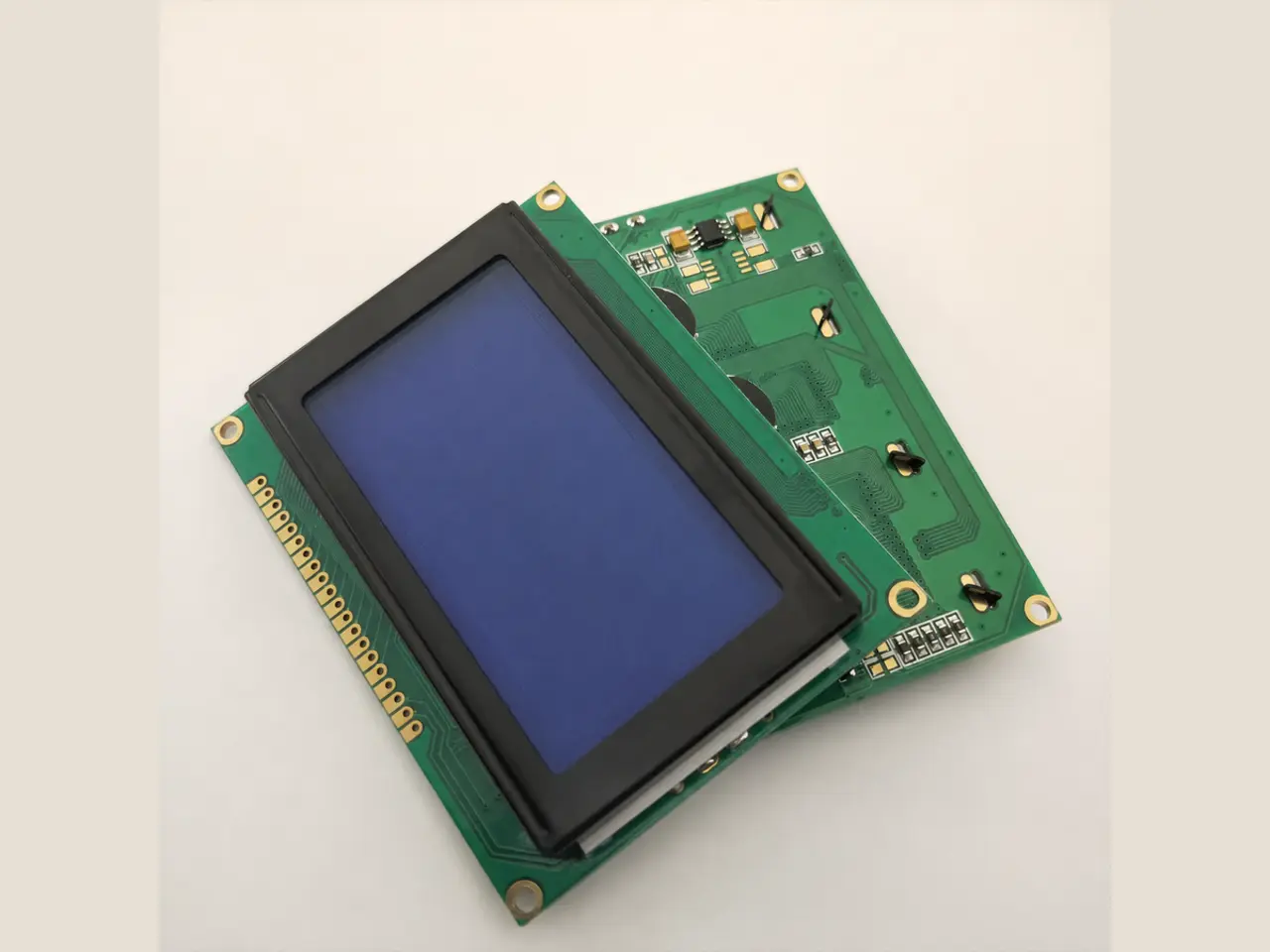
Generic graphic LCD component reference. No fire-system certification or compatibility with a particular alarm panel is implied.
Application fit
Start with the real constraints.
Fire alarm LCD display components for compact panels, alongside access-control and video-intercom displays. Review status text, graphics, interface and system validation. The goal is not simply to find a panel—it is to confirm a display that works in the product and can be supplied through its lifecycle.
Discuss this applicationTypical engineering challenges
Reliable text or graphic rendering
Compact panel cutouts
Controlled revision and supply
Recommended project approach
Define every status and alarm screen
Choose character, dot-matrix or small TFT by content
Match host timing, power, backlight and connector
Validate in the finished panel and its required standards
Security panel display planning
Size the display for the actual operator task.
Alarm text, access prompts and video-intercom visuals need different content and interfaces. This brief addresses the display component in a compact panel, not a large surveillance monitor.
Fire alarm LCD display
Check alarm, trouble, supervisory and service text required by the panel UI. Character or dot-matrix LCD may suit compact status; confirm viewing distance, backlight behavior and host protocol with the system designer.
Access control LCD display
Define door, credential, denied-entry and service prompts before choosing a character, graphic or compact color display. Confirm mounting, connector and power in the access terminal.
Video intercom LCD display
If the panel needs an image or richer menu, review a small TFT's resolution, interface, viewing angle and cover stack against the actual camera and controller architecture.
Recommended display paths
Start with the most relevant product category.
Low-power custom glass
Segment & Graphic LCD
Purpose-built segment, VA and monochrome graphic LCDs for clear information, low power and stable production.
Review category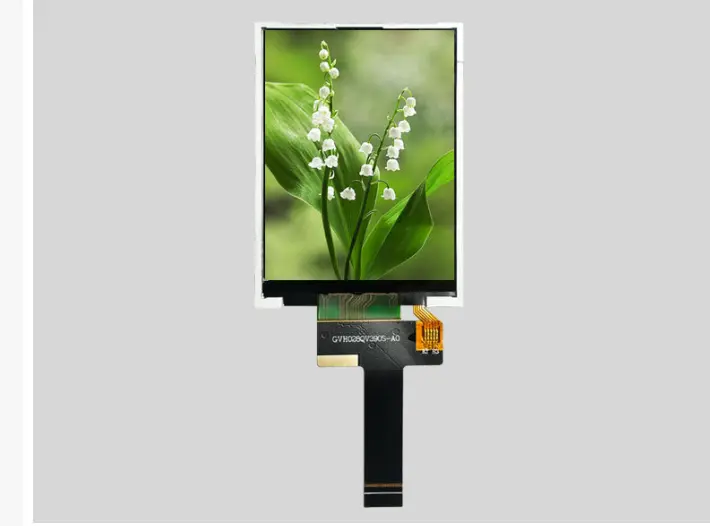
Color display engineering
Custom TFT LCD
Small TFT LCD modules and custom color displays, selected around the interface, optics and mechanical envelope of your OEM product.
Review categoryApplication RFQ
Information that makes the first review useful.
- Panel function and approved status screens
- Character layout, graphics or video requirement
- Window, outline and mounting drawing
- Controller interface, voltage and backlight
- Environment, validation plan and forecast
Related engineering paths
Compare the core LCD engineering paths.
Use the relevant core page to move from application requirements to product options, technical guidance and a complete RFQ.
Application questions
Clear scope before the project starts.
The display is reviewed with the customer’s controller, enclosure and finished-product validation plan.
01Is this a large security-monitor display?+
No. The scope here is the compact display component within a fire-alarm, access or intercom panel. A complete monitoring screen is a different project.
02Is a display component itself a certified fire-alarm system?+
No. CXW does not claim finished fire-system certification on this page. The panel manufacturer defines and validates the complete system against its applicable requirements.
03Can a similar-looking alarm LCD replace an existing panel screen?+
Appearance alone does not prove compatibility. Compare the original module marking, outline, pinout, voltage, controller and panel revision before discussing a replacement.