Readable charging status and service information
Custom EV Charger LCD Displays
LCD and TFT display components for EV charging equipment. Match the interface to the charger UI, ambient light, temperature, cover lens and enclosure before specifying a screen.
The display component is developed in coordination with the customer’s controller, enclosure and validation plan.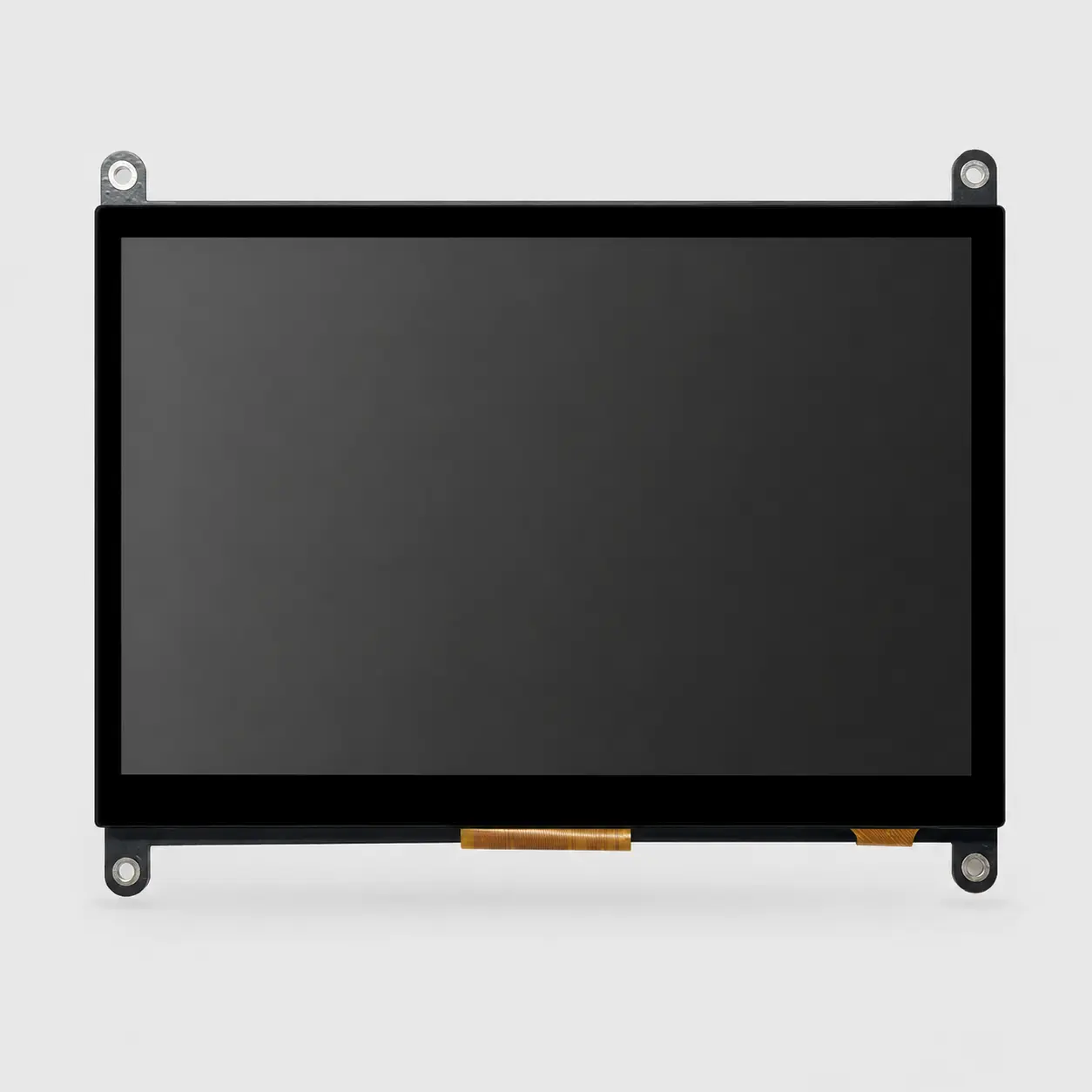
Real CXW display component, not a complete EV charger. Brightness, touch, interface, temperature and front protection must be specified for the actual charging station.
Application fit
Start with the real constraints.
Custom EV charger LCD and TFT display components for OEM equipment. Review outdoor readability, optical stack, touch, interface and lifecycle supply. The goal is not simply to find a panel—it is to confirm a display that works in the product and can be supplied through its lifecycle.
Discuss this applicationTypical engineering challenges
Heat and powered temperature behavior
Touch and cover-lens integration
Long field-service lifecycle
Recommended project approach
Define the charging UI and viewing positions
Select segment, graphic or TFT from content needs
Review optical, thermal and sealing interfaces
Validate a production-intent assembly on the charger
EV charging display engineering
Design for the visible interface and the exposed cabinet.
A display module is one part of a charging station. The OEM owns its payment, accessibility, electrical safety and enclosure design; display approval needs the real cabinet and UI.
Fixed status or interactive UI
Use a segment or graphic path for fixed charging values and icons; review TFT and touch when the product requires menus, payment steps or multiple languages. Confirm the controller and software scope separately.
Outdoor optical stack
Test readability through the actual cover lens at the intended viewing angles and lighting conditions. Brightness alone does not settle reflection, contrast or heat.
Temperature and moisture
Specify powered cold and hot behavior, backlight derating, condensation exposure and the display-to-enclosure sealing interface. The complete cabinet requires its own ingress validation.
Field service and lifecycle
Freeze connector, FPC, mount, interface and approved revision; plan change notification and replacement access for deployed equipment.
Recommended display paths
Start with the most relevant product category.
Color display engineering
Custom TFT LCD
Select the panel, optical stack, interface and mechanical details around your product—not the other way around.
Review category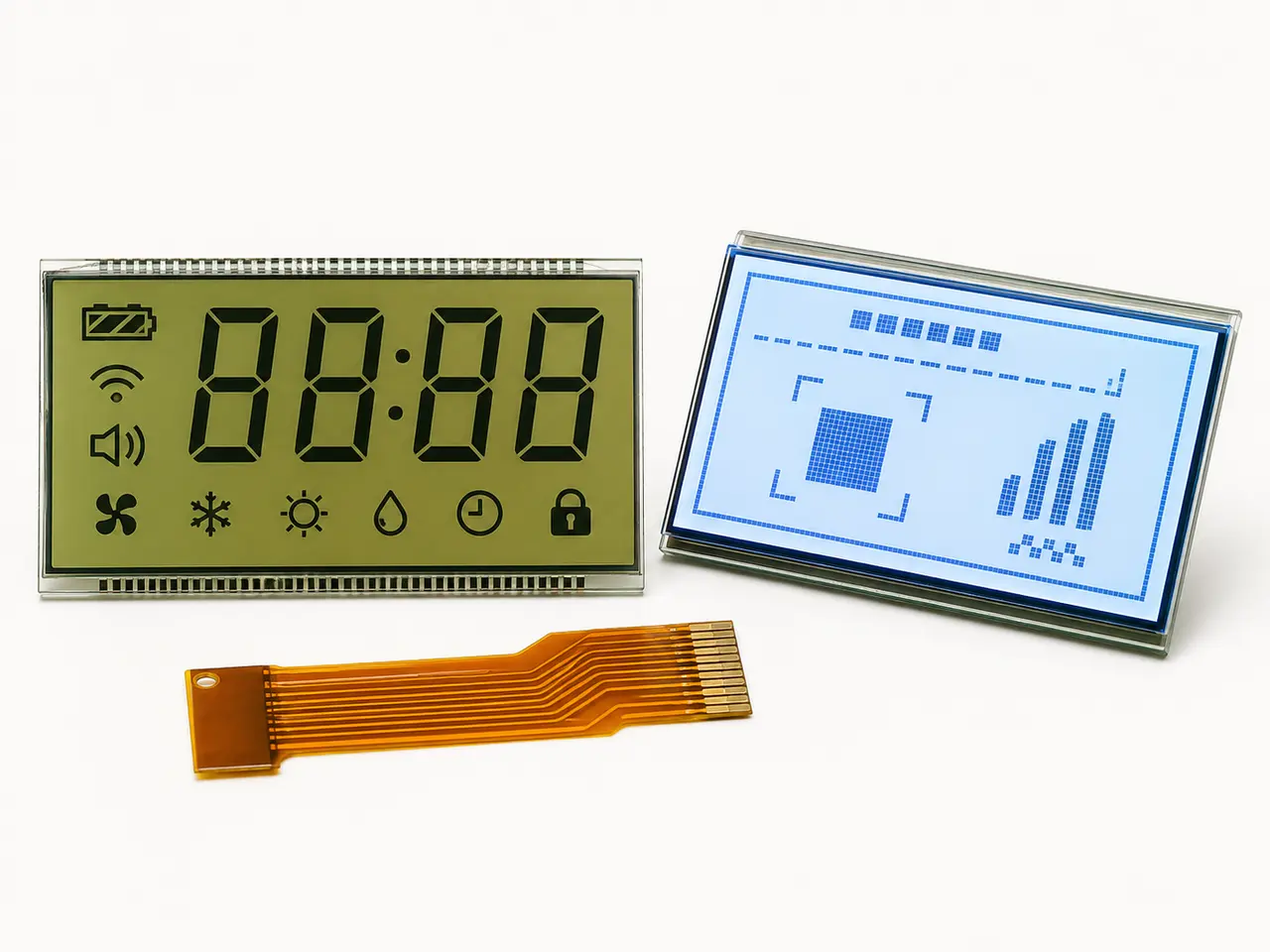
Low-power custom glass
Segment & Graphic LCD
Purpose-built segment, VA and monochrome graphic LCDs for clear information, low power and stable production.
Review categoryEngineering guidance
Resolve the technical risks before the RFQ.
Use these application-specific guides to identify failure causes, validation requirements and the information needed for a useful first review.
Browse all engineering guidesSunlight-Readable LCD Displays: Why Nits Alone Are Not Enough
An OEM engineering and purchasing guide to outdoor LCD readability—from ambient contrast and the complete optical stack to power, heat and finished-product validation.
Read the engineering guideOptical Bonding vs Air Bonding for Custom LCD Displays: An OEM Buyer’s Guide
A bonding-specific procurement guide for OEM teams comparing sunlight readability, touch integration, adhesive risks, validation and repair requirements.
Read the engineering guideApplication RFQ
Information that makes the first review useful.
- AC or DC charger application and UI screens
- Indoor or outdoor viewing and cabinet opening
- Brightness, cover lens and touch requirements
- Host interface, connector and power
- Temperature, sample quantity, annual forecast and service life
Related engineering paths
Compare the core LCD engineering paths.
Use the relevant core page to move from application requirements to product options, technical guidance and a complete RFQ.
Application questions
Clear scope before the project starts.
The display is reviewed with the customer’s controller, enclosure and finished-product validation plan.
01Is a high-brightness TFT always required?+
No. The UI and viewing conditions determine the display path. A fixed status panel may use a monochrome LCD; a rich interactive interface may need TFT and touch. Validate the complete optical stack.
02Does CXW Display certify the charging station?+
No. The display component is reviewed for the project, while the OEM or integrator owns the complete charger's certification, accessibility and enclosure validation.
03Can the front glass and touch be reviewed together?+
Yes. Cover lens, bonding, touch, connector and optical performance can be reviewed as a display assembly against the charger design.