Numeric readability for scale electronics
Custom Weighing Scale LCD Displays
Custom segment and monochrome LCD components for OEM weighing equipment. Start with the unit, decimal, tare, stability and warning states, then define the glass and drive around the controller.
The display component is developed in coordination with the customer’s controller, enclosure and validation plan.
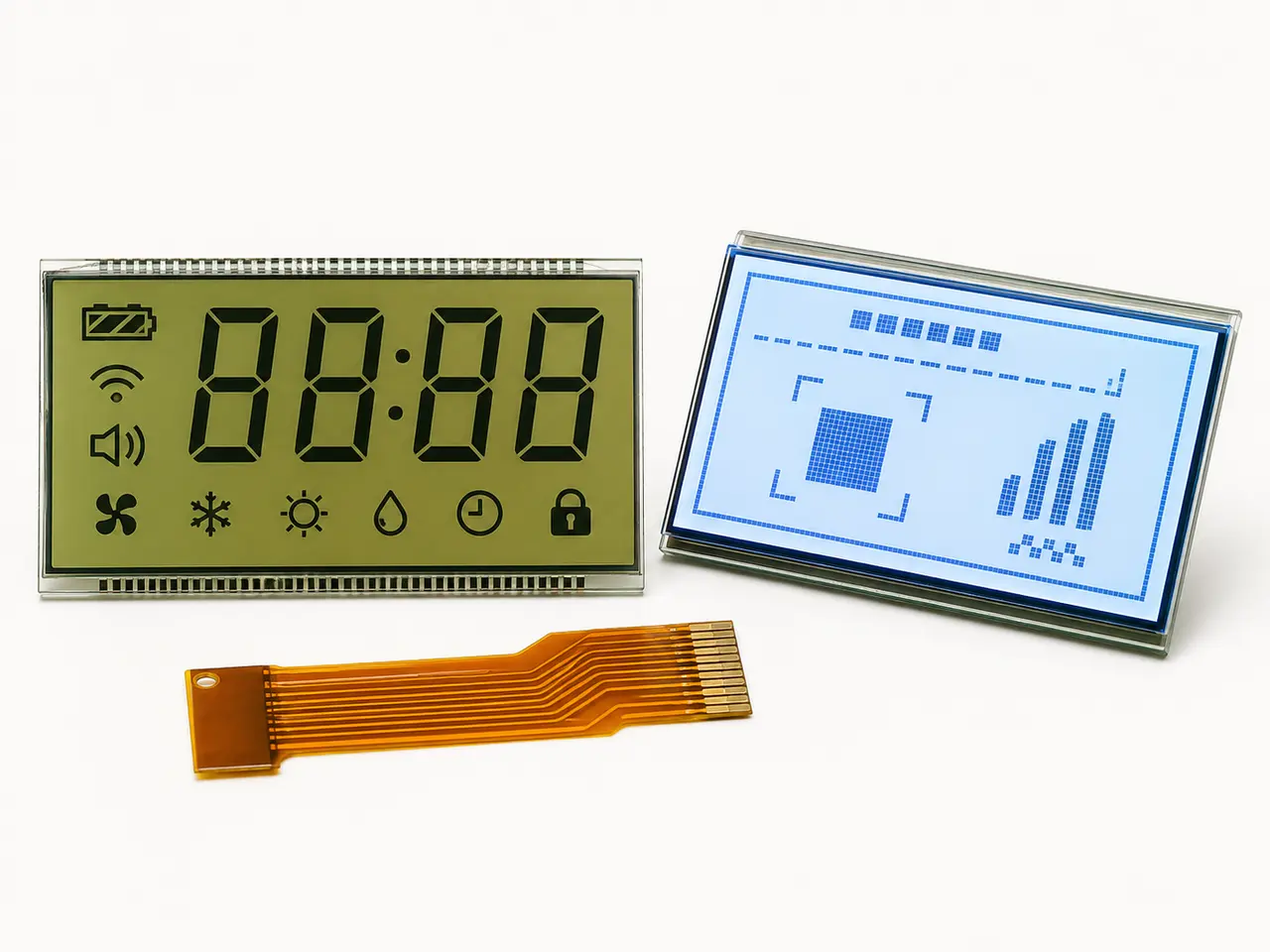
Generic monochrome LCD component reference. It is not presented as a tested scale model; the display artwork and electronics are application-specific.
Application fit
Start with the real constraints.
Custom weighing scale LCD display components for OEM devices. Define digits, units, tare and stability icons, drive waveforms, viewing and production validation. The goal is not simply to find a panel—it is to confirm a display that works in the product and can be supplied through its lifecycle.
Discuss this applicationTypical engineering challenges
Stable, zero and tare status
Low battery and overload indications
Readable angles and backlight choices
Recommended project approach
Create an all-states artwork and segment map
Set digit height from the real viewing distance
Confirm duty, bias, pinout and electrical load
Validate zero, overload and error displays on the scale
Scale display engineering
Make every measurement state visible and testable.
The weighing electronics determine the measurement. The LCD must reproduce the approved numeric and status states without ambiguous segments or a drive mismatch.
Digit and unit artwork
Define maximum value, decimal positions, negative values, unit symbols and any dual-range presentation before tooling. Verify that every valid reading fits the display.
Status and fault states
Map zero, tare, stable, hold, overload, low battery and communication warnings only as the scale design requires. Test all-segments-on and all-segments-off patterns.
Mechanical and optical fit
Specify glass outline, viewing area, bezel overlap, viewing direction, reflection and backlight against the finished scale housing and use environment.
Electrical approval
Match the glass duty and bias, driver voltage, segment-to-COM map, pin or elastomeric contact and battery duty cycle to the actual PCB.
Recommended display paths
Start with the most relevant product category.
Low-power custom glass
Segment & Graphic LCD
Purpose-built segment, VA and monochrome graphic LCDs for clear information, low power and stable production.
Review categoryBuilt for the use environment
Application Displays
Display components for HVAC, industrial controls, handheld devices and education products, including LCD, TFT and reflective e-paper options.
Review categoryEngineering guidance
Resolve the technical risks before the RFQ.
Use these application-specific guides to identify failure causes, validation requirements and the information needed for a useful first review.
Browse all engineering guidesCustom Segment LCD Manufacturer: Design, Tooling, MOQ and Samples
A purchasing and engineering guide for OEM teams developing a custom segment LCD around their artwork, PCB, enclosure, environment and production plan.
Read the engineering guideHow to Design a Custom LCD Display: 10 Specifications OEM Engineers Should Define
A practical 10-point specification guide for OEM engineers and procurement teams preparing a custom LCD design, sample review or supplier RFQ.
Read the engineering guideHT1621 LCD Module Design: Driver, Glass and Supply Checks
An engineering checklist for specifying a custom segment LCD around an HT1621 or HT1621G driver, without assuming a ready-made module or a drop-in replacement.
Read the engineering resourceApplication RFQ
Information that makes the first review useful.
- Scale type and target viewing distance
- Maximum reading, decimal places, units and icon map
- Glass opening, outline and connection
- Driver, duty, bias and supply conditions
- Sample quantity, forecast and environment
Related engineering paths
Compare the core LCD engineering paths.
Use the relevant core page to move from application requirements to product options, technical guidance and a complete RFQ.
Application questions
Clear scope before the project starts.
The display is reviewed with the customer’s controller, enclosure and finished-product validation plan.
01Can CXW Display supply a complete weighing scale?+
The standard scope is a display component. Measurement electronics, housing, calibration and finished-scale certification are owned by the OEM or its partners unless separately agreed.
02Can an existing scale LCD be copied from a photo?+
A photo helps identify artwork, but a sample or drawing, outline, segment map, pinout and drive conditions are needed to confirm a replacement.
03When should a scale use a graphic LCD instead of segments?+
When variable text, menus or changing layouts are needed. Fixed readings and icons can often use a custom segment design, subject to the full UI requirement.